
Detail the base drawing
A skilled engineer turns the base drawing into details. Another person picks up the next step, often entering the same information again.

Base drawing to cutting layout.
One connected run.
Detailing, production lists and nesting for cleanroom panel manufacturers.

Flux Panel, part of the Flux AI platform by GEN8 / Built for pharma-grade cleanroom panel manufacturers
Flux Panel / From drawing to production
45-second product film
02 / The challenge
A skilled engineer turns the base drawing into details. Another person picks up the next step, often entering the same information again.
Manual extraction leaves room for missed panels, accessories and doors. Different working methods make output hard to standardise.
The plant waits while the cutting & nesting diagram is prepared and checked. Errors travel between hand-offs, delaying production.
Turnaround depends on how many skilled engineers are free, not on how fast the plant can build.
03 / How it works
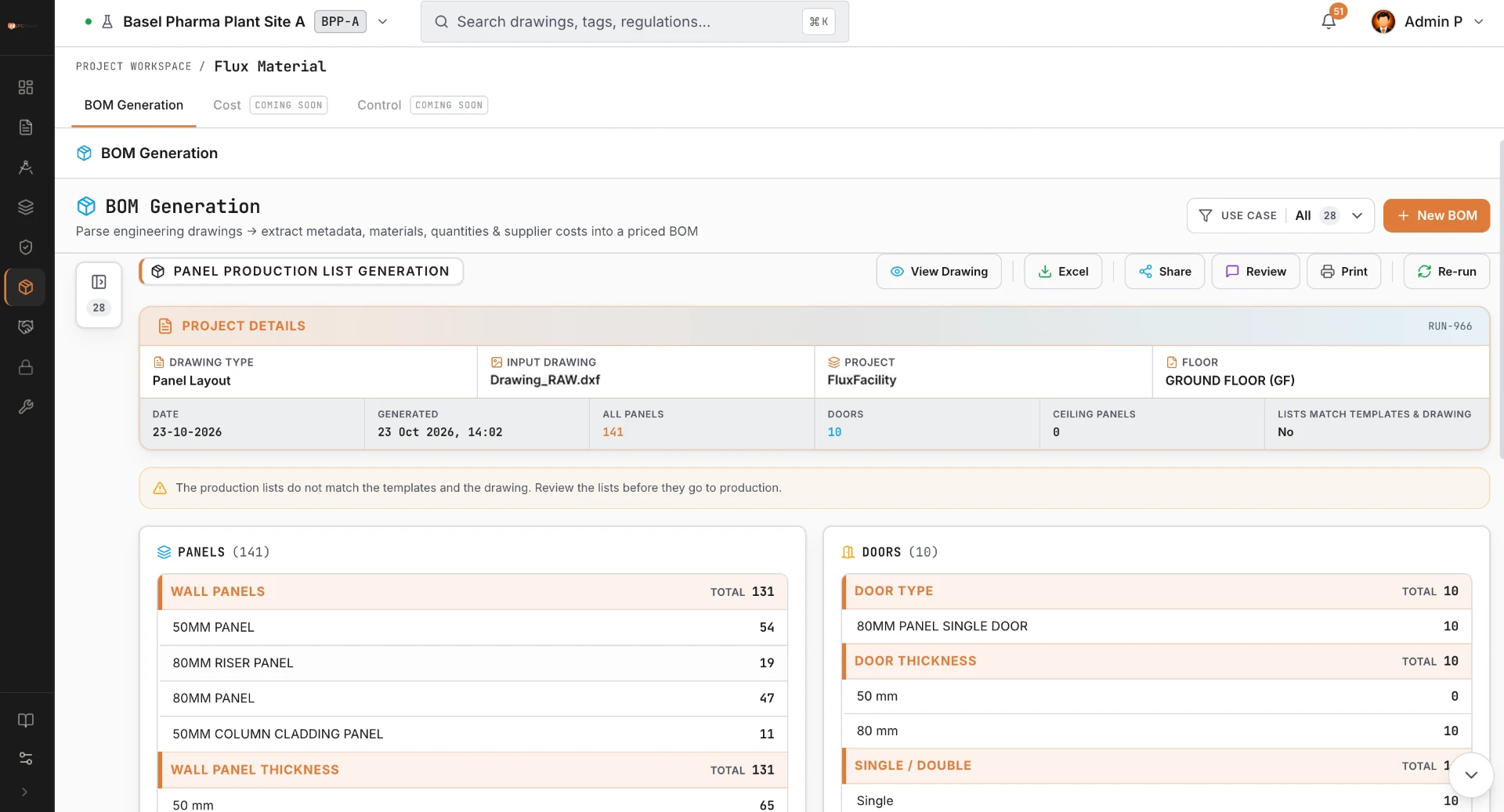
Base drawing → Detailed drawing → Production list → Cutting & nesting diagram
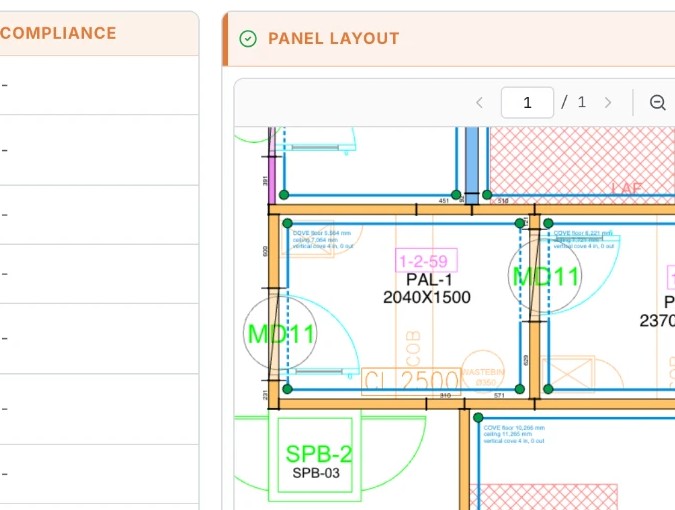
Product output sample / Detailed drawing
Flux Design
Turn the base drawing into panels, joints, corners, doors and accessories. Keep the details consistent before the drawing reaches the shop floor.
04 / The modules

05 / Business value
Up to
70%
faster workflows
Approx.
6-7%
material savings from optimised nesting
Go live in
1 week
including onboarding and training
Indicative proposal figures. Results depend on drawing complexity, panel rules and the agreed workflow; go-live is confirmed during scoping.
06 / Built for pharma-grade cleanrooms
Revisions and approvals belong together, not in scattered files. Flux Panel supports compliance and audit readiness with the history your team needs to explain what changed, who reviewed it and which output was released.
07 / Your engineers stay in control
AI handles repetitive detailing and list preparation. Your engineers review and sign off each stage before it moves on. Flux Panel augments the team; it does not replace the people responsible for the drawing.
Review
Approve
Release
08 / How we engage
09 / Flux Panel FAQ
Share a sample base drawing with the team. We will confirm the supported formats, drawing quality and output requirements for your workflow before onboarding.
The proposed go-live is 1 week, including onboarding and training for design and production teams. We confirm the schedule after reviewing your drawings, standards and setup requirements.
Your project records remain accessible for your work. Ownership, storage arrangements, access and retention terms are confirmed in your proposal before you begin.
We agree your panel rules, drawing conventions and production list templates during setup. Bring an example so the team can confirm the configuration and any additional scope.
Small changes and minor improvements are included. Larger requirements are scoped and agreed separately, so your team knows what is included before work starts.
Ask for a scoped walkthrough using one of your own drawings. The team will confirm any Flux Panel pilot options and commercial terms in your proposal.
10 / Get started
Bring a base drawing and your production requirements. We will walk through the detailed drawing, production list and cutting & nesting diagram with your team.
connect@fluxepc.com